
System at a Glance
Sober Chauffeur runs on one shared platform. Riders, drivers and the office each get an app designed for their job, while pricing, notifications and records stay in one place.
Rider App
Book a chauffeur, follow the car live, keep saved places and rate the trip afterwards.
Driver App
Accept jobs, navigate with Waze and spoken guidance, update trip stages and see calculated earnings.
Office Dashboard
The control room: dispatch and monitor trips, manage drivers, customers, insurance, risk and analytics.
Shared Platform
One database and one set of business rules — pricing, notifications and audit logs are identical no matter where a booking started.
The Rider Journey
From request to rating, every step is tracked so the rider always knows what happens next.
- 1
Request
Pickup and drop-off with South African address autocomplete, saved places for quick re-booking, and an optional scheduled date and time.
- 2
Confirm
The booking is created with a unique reference number, and the applicable fare or membership is applied automatically.
- 3
Driver assigned
Office dispatch selects the best available driver. The rider receives the driver name, vehicle details and licence plate on WhatsApp.
- 4
Track live
The car is visible on the map, trip stages update in real time, and a live trip link can be shared with family while travelling.
- 5
On the road
En-route and arrival messages are sent automatically as the driver passes each stage — no one has to call in.
- 6
After the trip
The rider rates the driver, and the full trip breakdown stays in trip history for reference or re-booking.
The Driver Journey
The driver app mirrors the familiar ride-hailing experience, tailored to a chauffeur operation.
- 1
Go online
The driver toggles availability. The office immediately sees the driver on the live map and can assign work.
- 2
Receive and accept
Jobs arrive with pickup, drop-off, distance and the earnings calculated for that trip.
- 3
Navigate
The route opens in Waze, with spoken turn-by-turn guidance and an estimated arrival time announced along the way.
- 4
Update trip stages
Start, arrived, waiting, passenger on board and delivered — each tap keeps the office and the rider in sync.
- 5
Automatic earnings
Earnings come from the pricing matrix plus the fuel levy. No manual calculation and no disputes.
- 6
History and schedule
Every trip is stored with distance, duration and rating, and weekly availability is set in the driver schedule.
Office Dispatch
Dispatchers work from one screen with every detail they need to place the right driver on the right trip.
New ride capture
Capture rider, contact number, addresses and schedule. Customer lookup fills in details and saved addresses.
Instant trip context
Distance, drive time, route preview and a risk score appear as soon as both addresses are entered.
Assign or reassign
Only online drivers in the same province are offered. Reassignment takes one tap and is recorded.
Suggest drivers
The system ranks the nearest suitable drivers for each pending trip and flags follow-up work for drivers finishing a job.
Customer communication
Send the booking confirmation on WhatsApp and cancel a trip with a logged reason when plans change.
Delivery oversight
Every WhatsApp message is logged with its delivery status, and failed sends can be retried from the dashboard.
AI Phone Booking
Callers who prefer the phone reach an AI agent that books into the same system, under the same rules, as the office team.
- 1
The caller dials in
The AI agent answers and captures the service type, name, contact number, pickup, destination and trip time.
- 2
Availability is verified
Before promising anything, the agent checks service coverage, whether drivers are online in the pickup area, and whether a duplicate booking exists.
- 3
The booking is submitted
The fare is derived from the existing pricing matrix. The AI cannot invent a fare or set its own price.
- 4
It appears instantly
The trip lands in Dispatch as a pending ride marked as an AI phone booking, and the dispatcher assigns a driver exactly as with an office booking.
- 5
Nothing happens silently
Every call is logged with its outcome — success or failure — so the team can see exactly what the agent did.
Notifications
Riders, drivers and the office are informed automatically at every meaningful moment.
WhatsApp trip updates
Ride created, booking confirmed, driver assigned, driver en route, driver arrived and trip completed — to the customer or the driver.
Trigger control
The office chooses which events fire and the minutes-away threshold that triggers the en-route message.
Editable message templates
Wording is managed in the dashboard using placeholders, with a test-send — changes need no code.
Delivery log
Each message is recorded with its status and error reason, with one-tap retry for failures.
Booking confirmations and rating requests go out by email, along with confirmations from the driver careers form.
Office alerts
In-app notifications keep the dispatch team aware of trip events and driver stage changes.
Pricing and Memberships
Fares are driven by a pricing matrix of membership blocks and distance zones, so the same trip always costs the same.
| Zone | Distance | How it is priced |
|---|---|---|
| Zone 1 | 0 – 15 km | Flat rate |
| Zone 2 | 16 – 25 km | Flat rate |
| Zone 3 | 26 – 40 km | Flat rate |
| Zone 4 | 41 – 50 km | Flat rate |
| Zone 5 | 50 km + | Billed per kilometre |
- Separate rate cards for Cape Town and Johannesburg.
- Rates are set per membership block, so standard, member and corporate pricing all live in the same matrix.
- A fuel levy is added to every trip in that block.
- Members receive free trips with their block, and the remaining balance is tracked per customer.
- A dispatcher can override the fare on a single trip; otherwise the fare and driver earnings are calculated automatically.
- Every customer carries a reference code for fast lookup at booking.
Safety and Compliance
Chauffeur work is regulated work. The system keeps documents, inspections and incidents on record.
Driver vetting
Applications capture licence, professional driving permit and vehicle documents, with expiry dates tracked and renewal flags raised.
Vehicle sign-off
A supervisor inspects the vehicle against a photographic checklist and records a pass, fail or conditional result.
SOS response
A driver panic button sends the alert and live location straight to the office, where it stays visible until resolved.
Risk zones
The map highlights high and medium risk areas and scores each trip's route before it is dispatched.
Ratings both ways
Riders rate drivers and drivers rate riders, and preferred pairings are remembered for future trips.
Audit trail
Every trip event is timestamped with who did what, and completed trips can be replayed on the map.
Fleet, Team and Analytics
Beyond dispatch, the office dashboard manages the people and the numbers behind the operation.
Drivers
Profiles, vehicle and compliance status, online availability, plus a heat map of where drivers are working.
Teams and availability
Two-driver teams per region with availability schedules, alongside weekly agent and driver schedules.
Customers
A full customer record: memberships, VIP flags, saved addresses, notes, and CSV import or export.
Insurance
Insurance profiles attached to individual trips so cover is on record for every journey.
Analytics
Ride volumes, trips today, active drivers and SOS signals, with searchable trip history.
Chat and users
Office chat for the team, plus admin control of users and which dashboard sections each person can see.
Inside the Apps
The three screens the operation runs on every day — what the rider sees, what the driver sees, and the dashboard the office dispatches from.
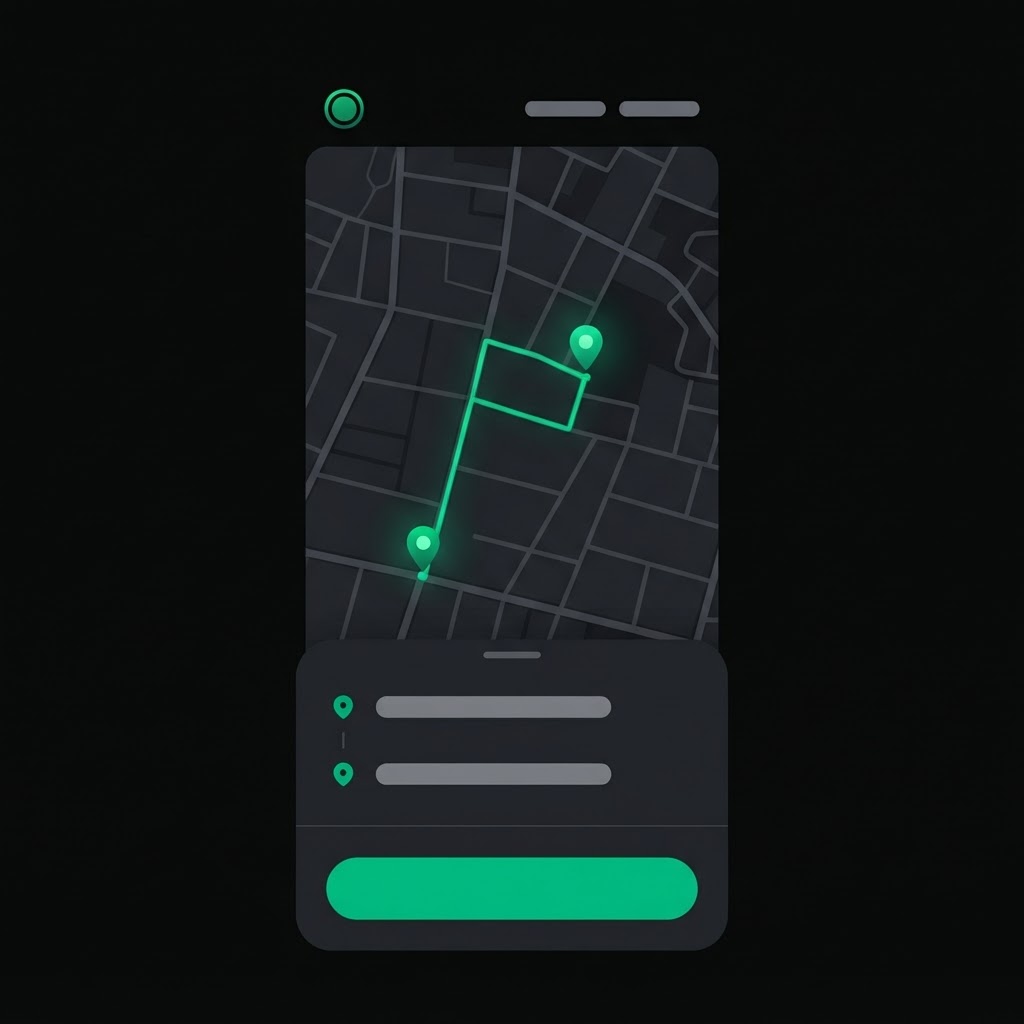
Rider app
Booking a chauffeur: pickup and drop-off, saved places, live tracking of the assigned car, and the fare for the trip.
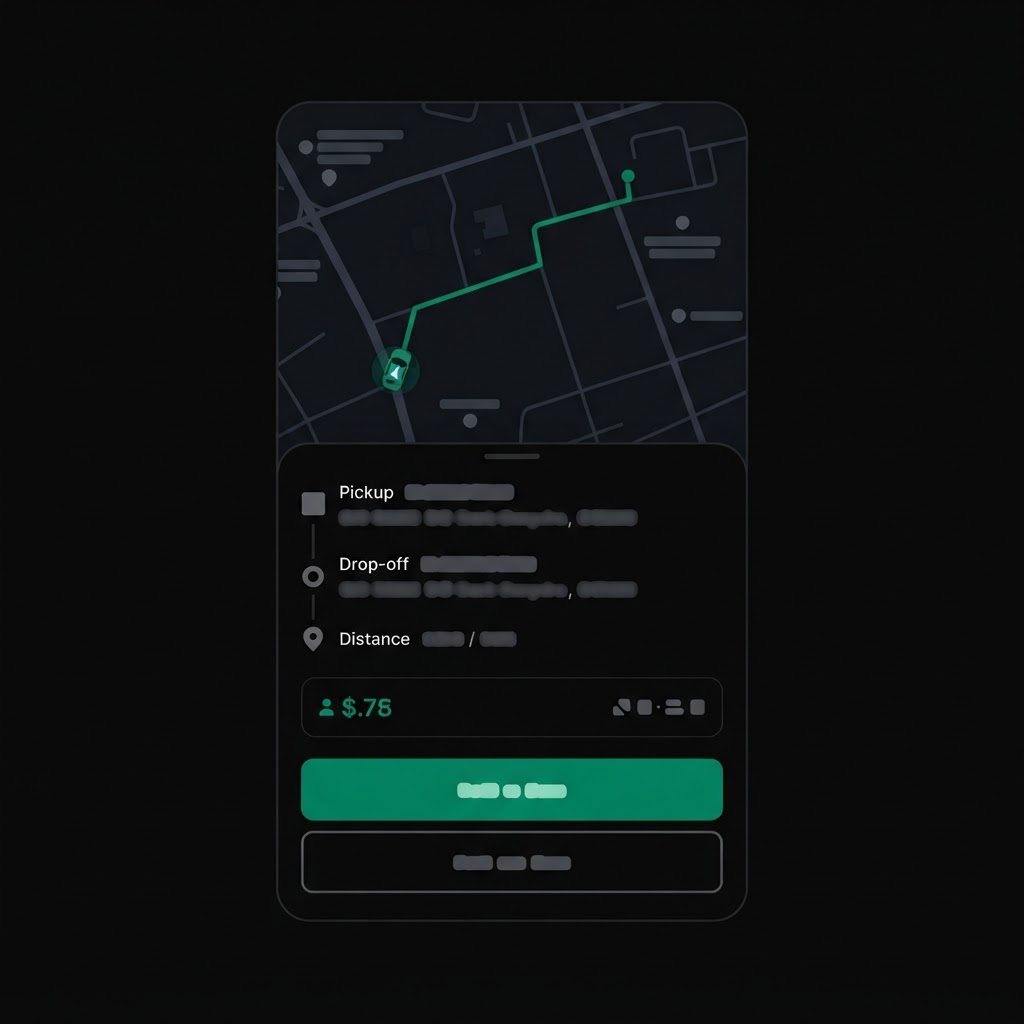
Driver app
A job request with pickup, drop-off, distance and the calculated earnings, with Waze navigation and trip-stage buttons.
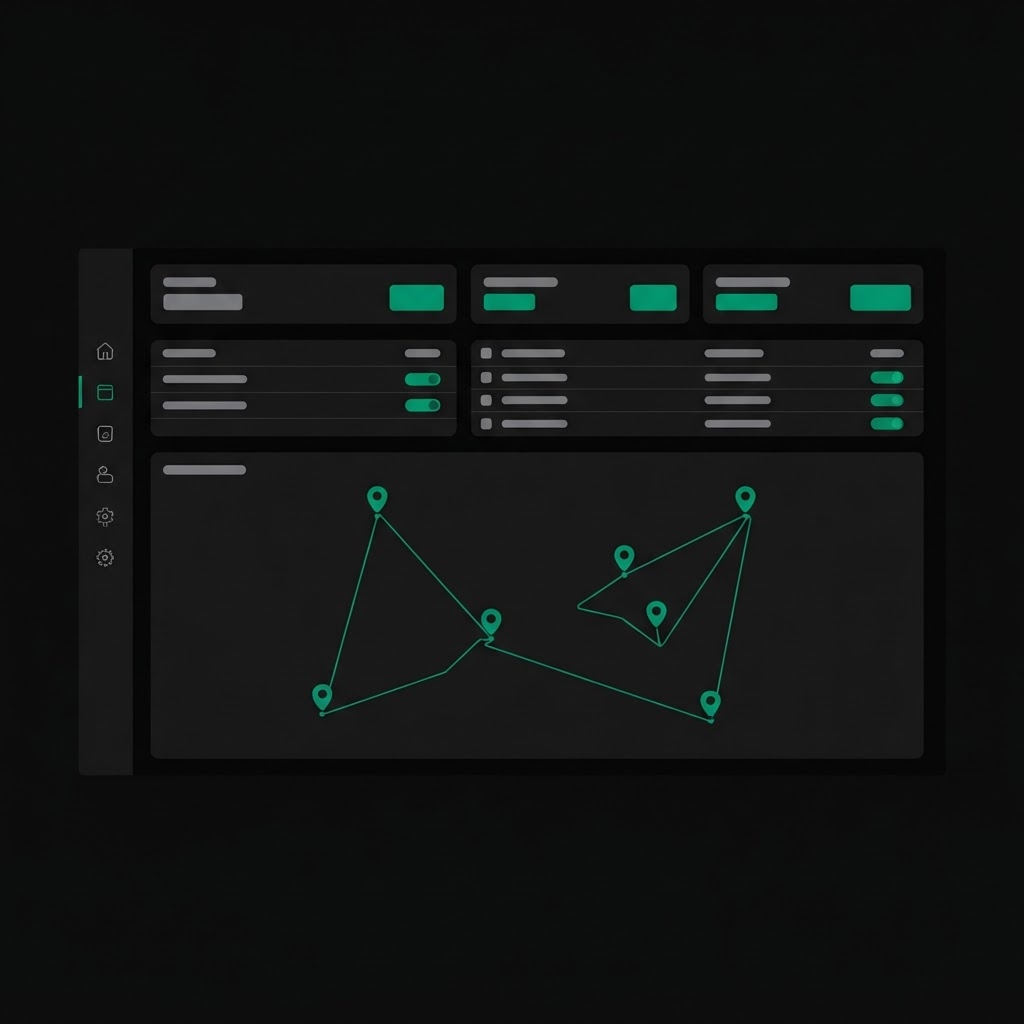
Office dashboard
Dispatch, the live driver map, trip volumes and driver records — the control room on a single screen.
Where to Find Everything
The links used day to day across the operation.
Rider app
Book and manage trips
Driver app
Accept jobs and run trips
Office dashboard
Dispatch, fleet and analytics
Driver training manual and payment rates
Reference material for drivers
Vehicle sign-off
Pre-shift inspection and handover
Driver applications
Careers and onboarding form